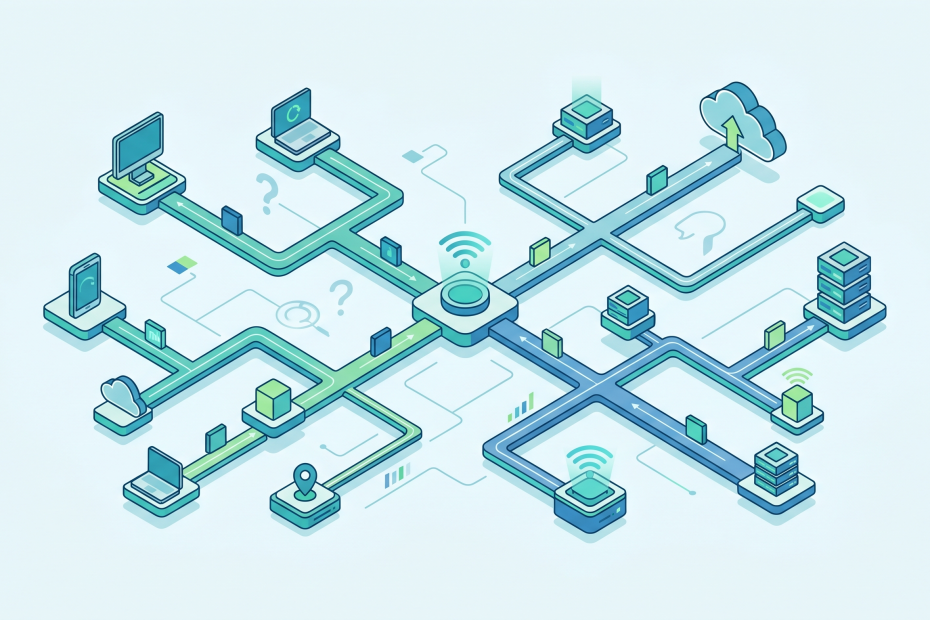
Networking – General questions
What is a network? To make it as simple as it can be: One computer wants to talk to another computer. This is the heartbeat of all this. OF course it gets way more complex…
What is a network? To make it as simple as it can be: One computer wants to talk to another computer. This is the heartbeat of all this. OF course it gets way more complex…
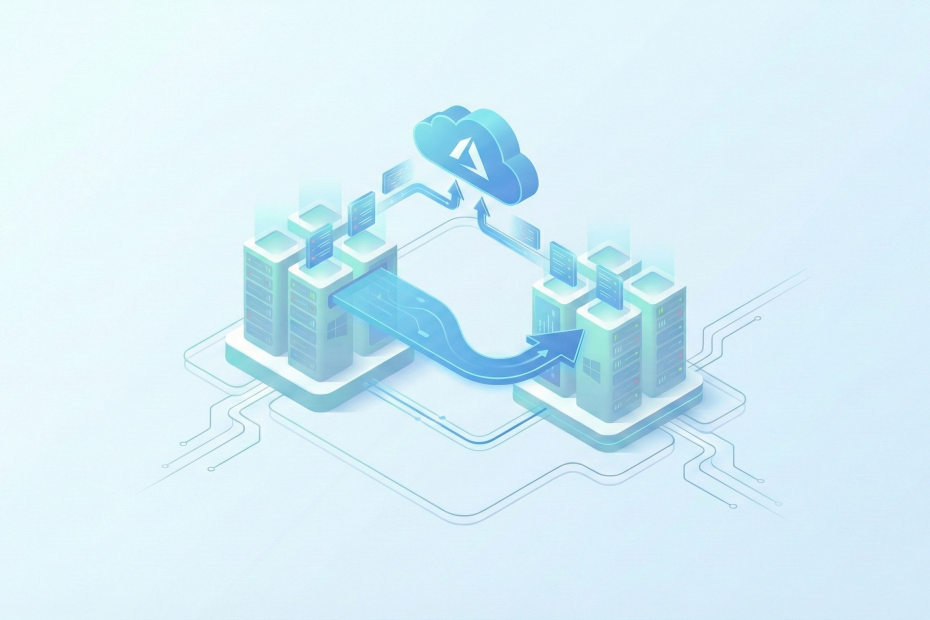
To simulate a working streched cluster in Azure we need at least these resources: Firstly we create two resource groups in different regions. In my case I chose to put one resource group in the…
In my “home-domain” environment there is also my Wingo TV-Box settled. One day I noticed that my TV-Box is giving out an error, that it can’t reach the internet anymore “please check if NTP port…
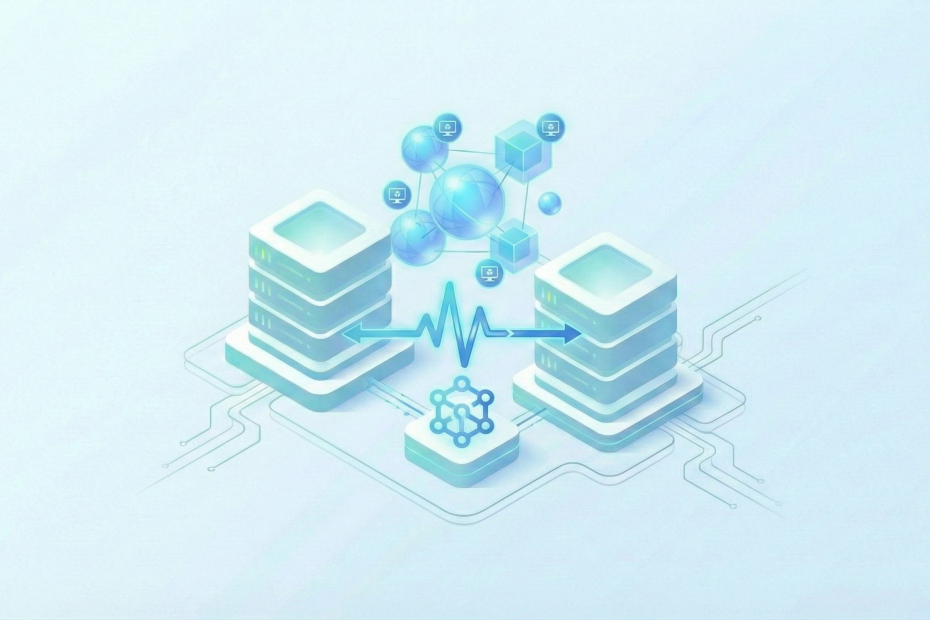
Building a Failover Cluster usually requires expensive SANs and dedicated hardware. This guide documents how to achieve High Availability (HA) using two Dell OptiPlex nodes (running Windows Server Core) and a QNAP NAS for shared…
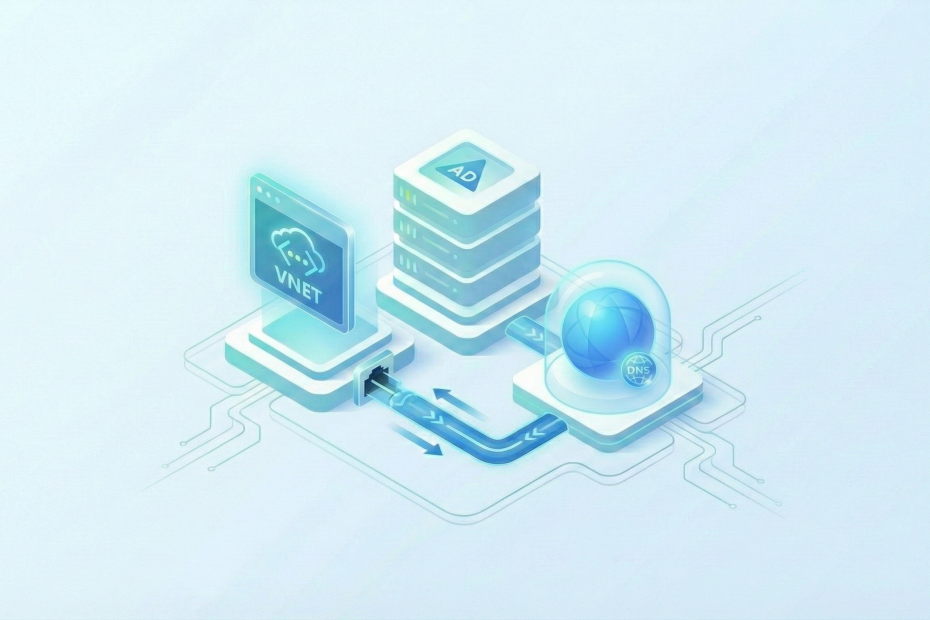
To do this task you must have already deployed your vNet. If you need guidance doing that, I created a step by step guide for it right here. Link to site To achieve this task…
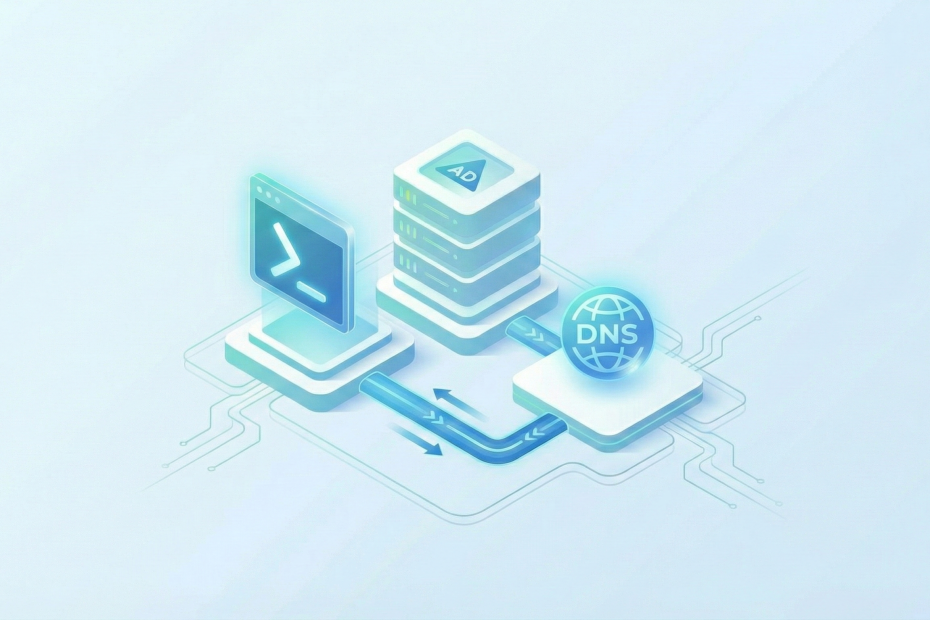
To configure an AD-integrated DNS primary zone you need: Open a PowerShell Prompt as Administrator and run the following command. To test or verify this, we run this command. In your output you should find…
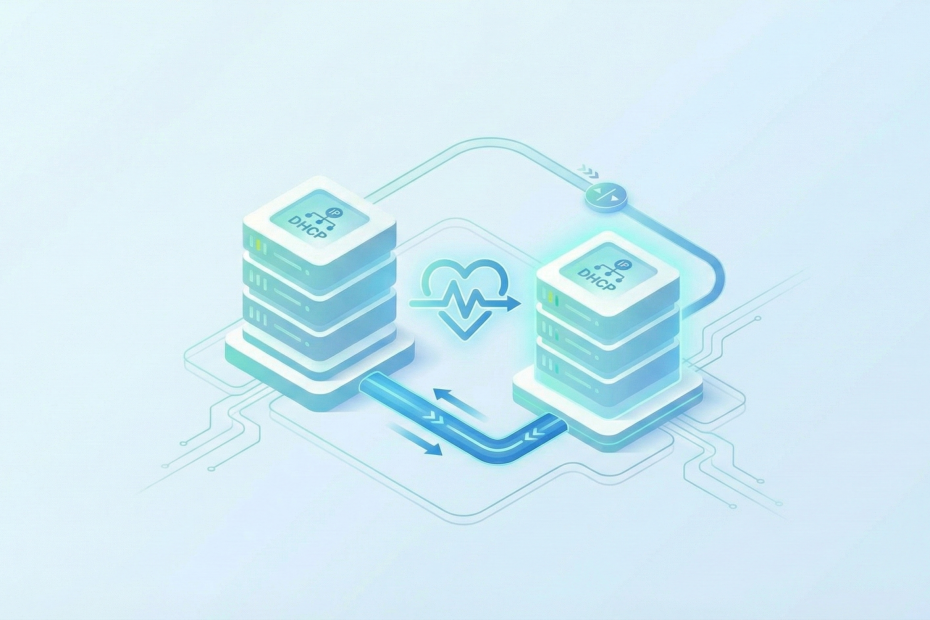
To perform this task you need the following: On each server we connect through Windows Admin Center or RDP and install the DHCP Role. In my case i just restarted the whole server. After rebooting…
To work with DSC you have to have an automation account first. To create an automation account, go to your Azure portal and search for Automation Account and create one. Note: because State configuration gets…
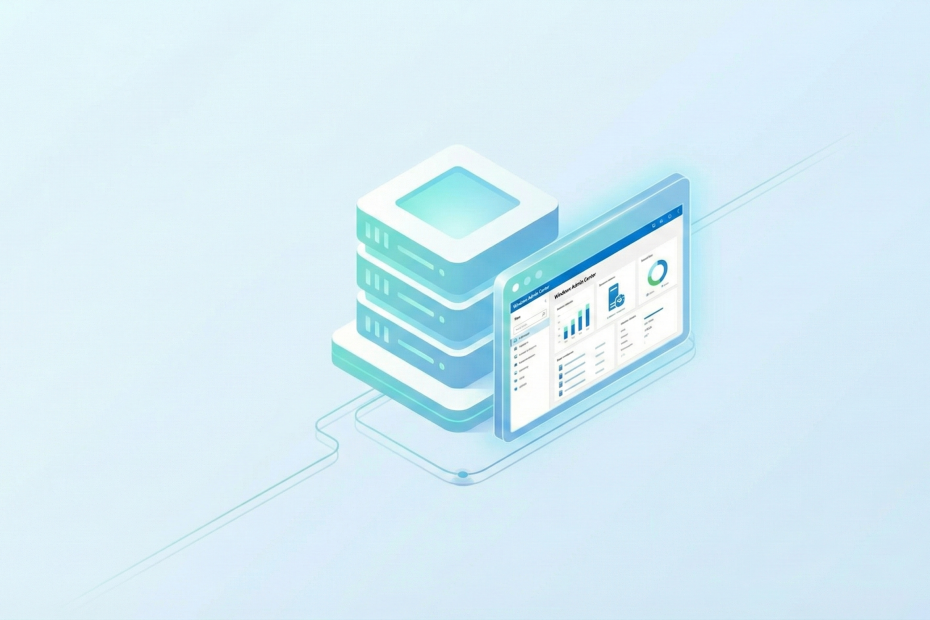
You can download the Windows Admin Center installer on the Microsoft web page. Windows Admin Center | Microsoft Evaluation Center Note: You cannot install the WAC on a domain controller! Start the installer and click…
Just Enough Administration (JEA) is an administrative technology that allows you to apply role-based access control (RBAC) principles through Windows PowerShell remote sessions. Instead of allowing users general roles, which often comes hand in hand…